Review where the work happens
A changed-files card after each turn, line notes sent back to the agent, worker cards for sub-agents, and a Changes panel with pull requests and CI checks.
Codexia is a Mac app for Claude Code, Codex and any ACP agent. Every task gets its own Git worktree. You follow the work, and review each result before it lands.
Free for macOS · Uses your Claude or ChatGPT plan ·
Needs input
Running
 Mia LinOwner
 SamEditor
 PriyaViewer
 Add email validation to checkout
isValidEmail next to the form, wire it into submit, and test it the same way.Ask Claude to do anything...
sonnetMediumMessage (⌘Enter to commit)
Filter filename or folder...
Claude 27% 2h Codex 18% 2h 29mRemote4% · 584 MBClaude CodeCodexAny ACP agent
The loop
Start a workspace per task, each in its own Git worktree, and choose Claude Code, Codex or any ACP agent for it. Nothing steps on anything else.
Follow every agent and its sub-agents live: the steps they take, the files they touch, and the approvals they wait on.
Each turn ends with the files it changed. Read the diff, leave a note on a line for the agent, and apply the result when it’s right.
In the app
A changed-files card after each turn, line notes sent back to the agent, worker cards for sub-agents, and a Changes panel with pull requests and CI checks.
Named, long-lived agents with their own project, memory, permissions and scheduled routines.
Connect external Agent Client Protocol agents. Sessions persist across restarts, and tool calls render live.
Run agents on a schedule for recurring jobs.
Remote control through a headless web server, including iOS, with push alerts when an agent is waiting for you.
File tree, an editor with Markdown preview, prompt notepad, local web preview, and PDF, XLSX and CSV preview.
Add MCP servers and agent skills from built-in marketplaces.
Codexia CloudEarly access
Your agents keep running through their own CLIs, the Claude Agent SDK and codex app-server, in a sandbox instead of on your Mac. Close the laptop, invite a teammate, hand it off, and bring it back as the same session.
Invite editors by GitHub login or email, or share a read-only watch link. Prompts from everyone wait in one queue and run one turn at a time. Approvals stay with the person driving and the owner.
Multiplayer sessions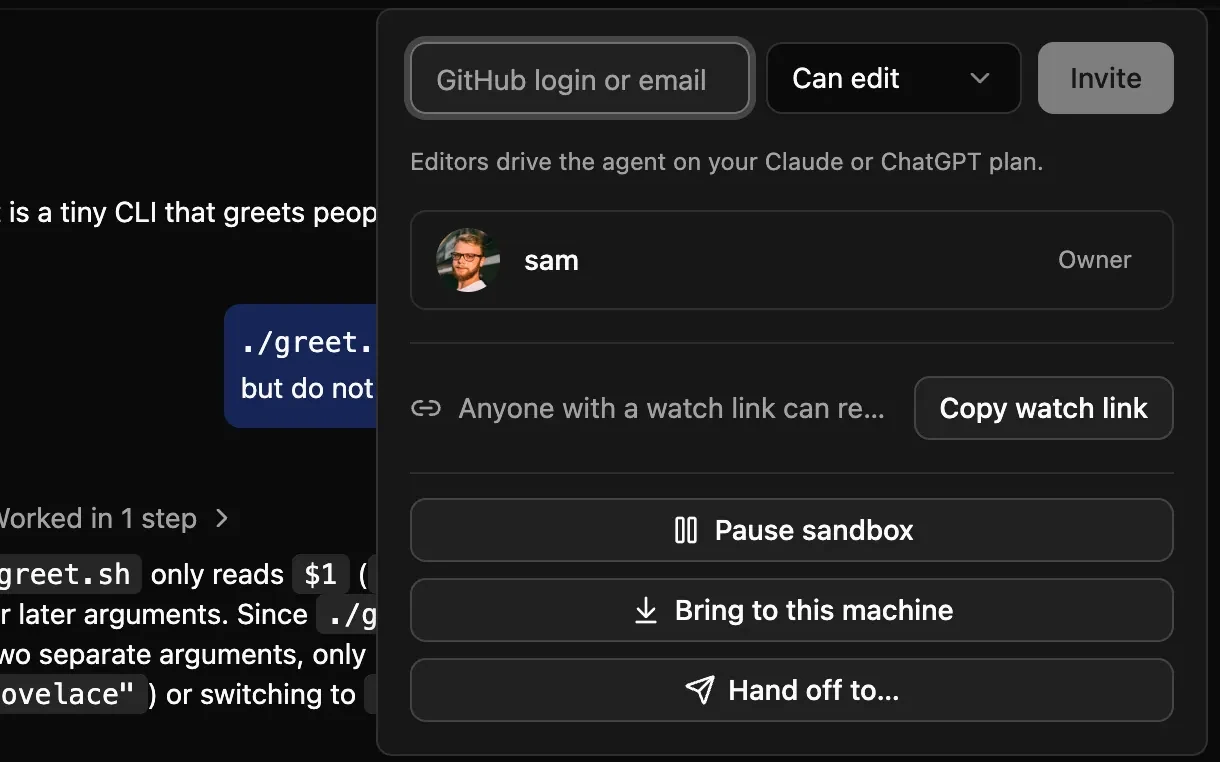
Give a teammate the session to drive. They pick up the same conversation, on your sign-in or their own, and can hand it back or bring it to their Mac.
Team handoff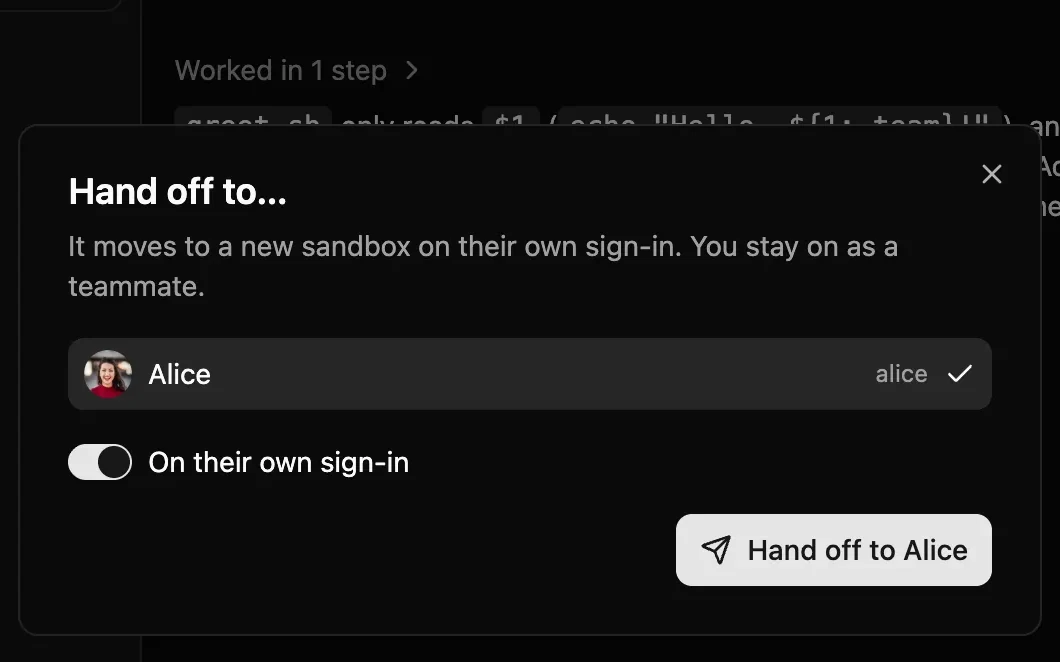
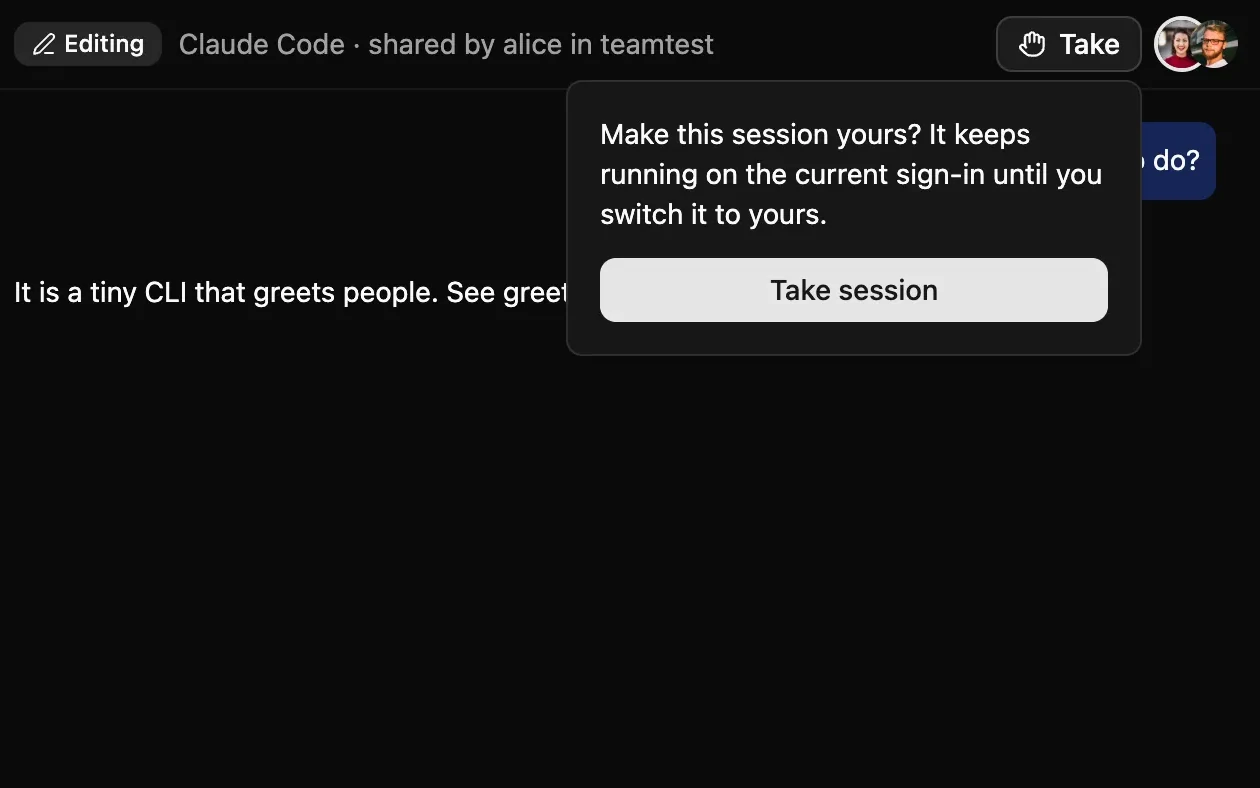
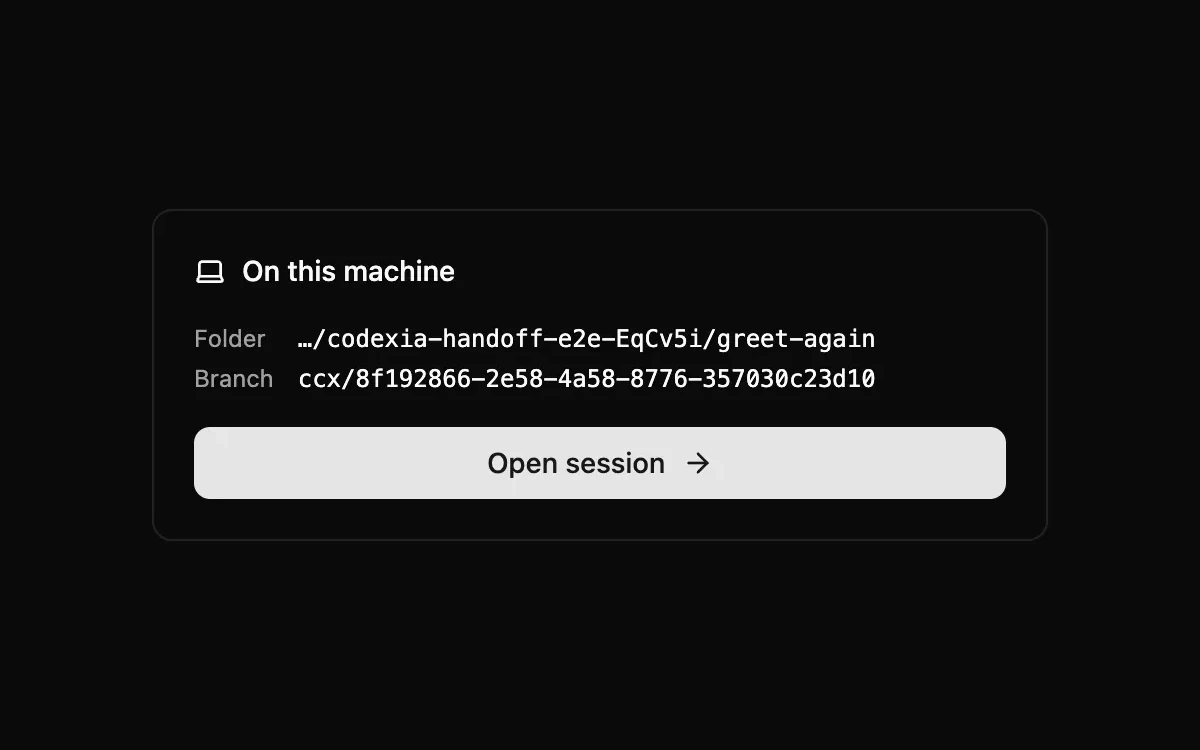
Move a Claude Code or Codex session from your Mac into a cloud sandbox in one click, and keep going with your laptop closed. Bring it back as the same session, with the cloud’s commits on their own branch.
How a session movesA cloud agent can run a command on your Mac when it needs your toolchain or keys. Your Mac connects out, and every command needs a cloud-side approval and then yours.
Run on your MacWhen the agent starts a dev server in the sandbox, open it for teammates through a link on its own origin. Links expire and can be revoked.
PreviewsA sandbox pauses after 10 minutes without a turn and resumes in about a second on the next prompt. Paused time isn’t billed.
PricingSign-in with GitLab or Google and per-seat billing already run. Leave your email and we’ll write when Codexia Cloud opens. The Codexia app stays free and local.
Your machine
Projects, conversations and bot memory stay on your Mac. The cloud is opt-in, per session.
Agents run in separate processes, with file and network access set per agent.
Open source, with telemetry off unless you turn it on.
Pricing
Codexia
Free
The full app on your Mac. Bring your Claude subscription or ChatGPT plan; there’s nothing to pay us.
Codexia Cloud · Early access
$25per seat / month
50 compute units per seat, pooled across the team. No usage charges, and people on watch or edit links don’t take a seat.
See pricing