Cloud
Hand a session to a teammate
Take over a teammate's Claude Code or Codex session, keep the same sandbox by default, choose whose agent sign-in to use, and hand the work back or bring it to your Mac.
Sharing a session lets a teammate see or contribute to your work. Sometimes you need them to take over: continue the agent conversation, make the next decisions, and then hand the session back. Codexia Cloud now supports that workflow, and it’s still in development.
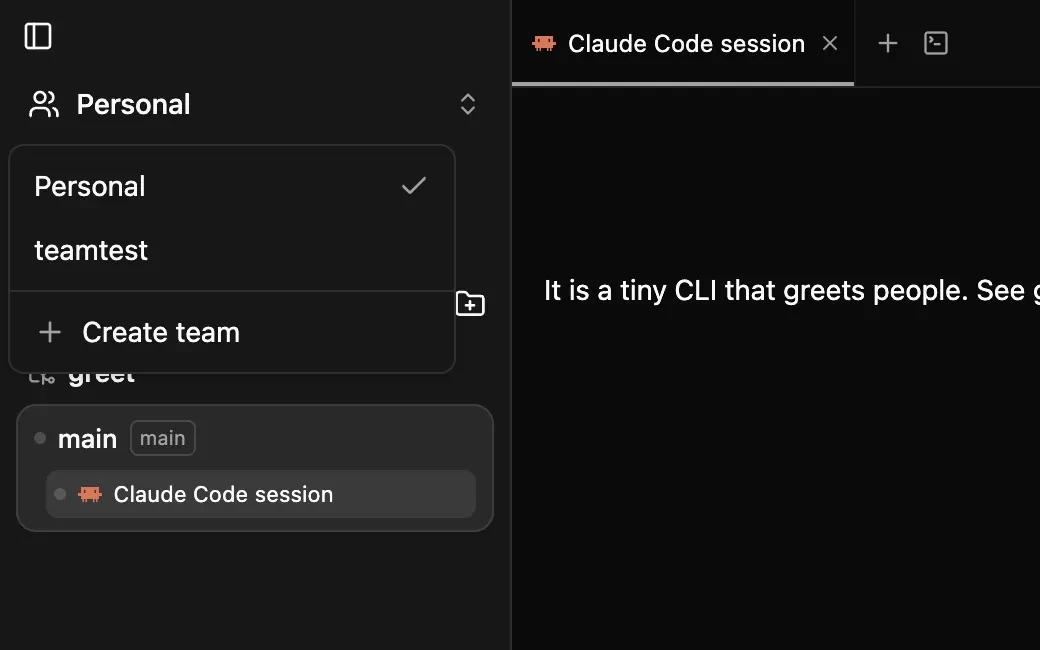
Take over the session
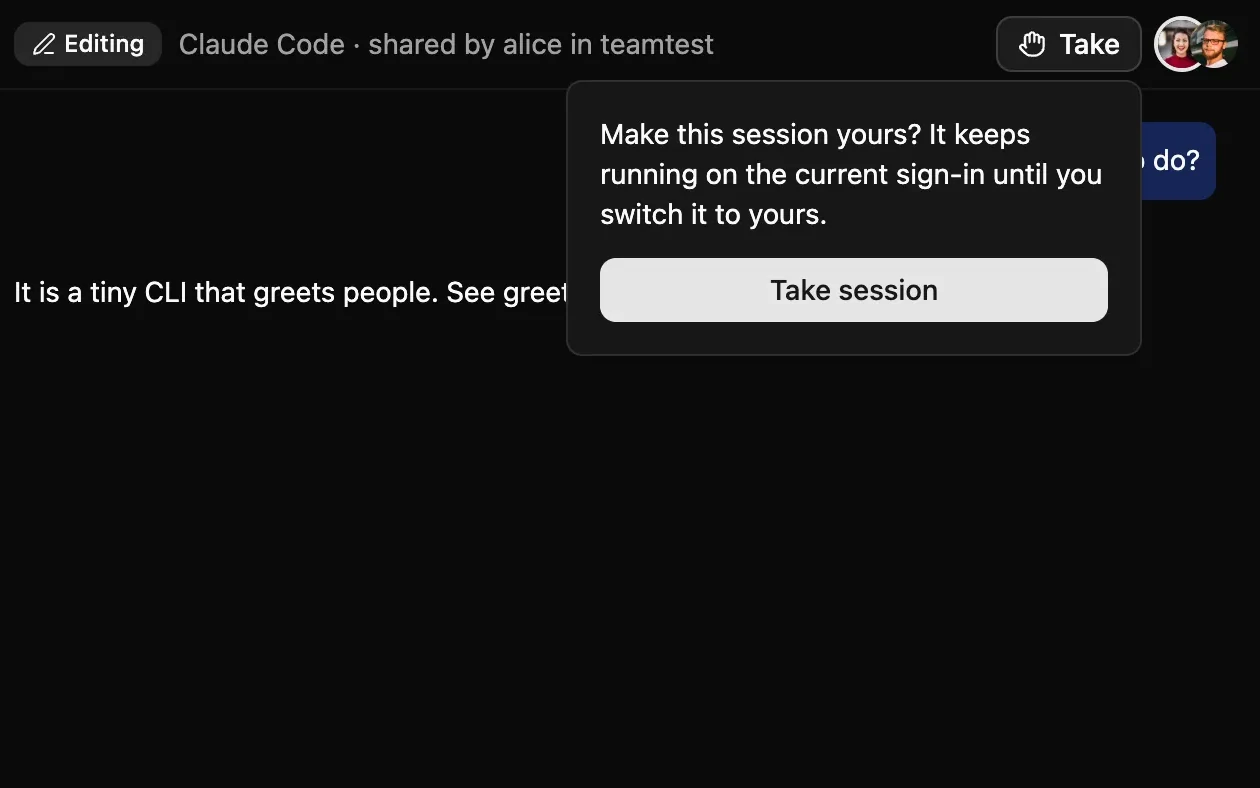
From Codexia, a teammate can take a shared Cloud session. The session appears in their Cloud sessions, and they can continue working with the existing Claude Code or Codex conversation rather than starting from a blank chat. They can hand it back when they are done, or bring it to their own Mac.
Keep the sandbox warm by default
By default, a handoff keeps the same sandbox and agent sign-in. The next person can continue where the previous person left off, with the sandbox’s existing working state and caches still there. That avoids making a handoff feel like a fresh setup.
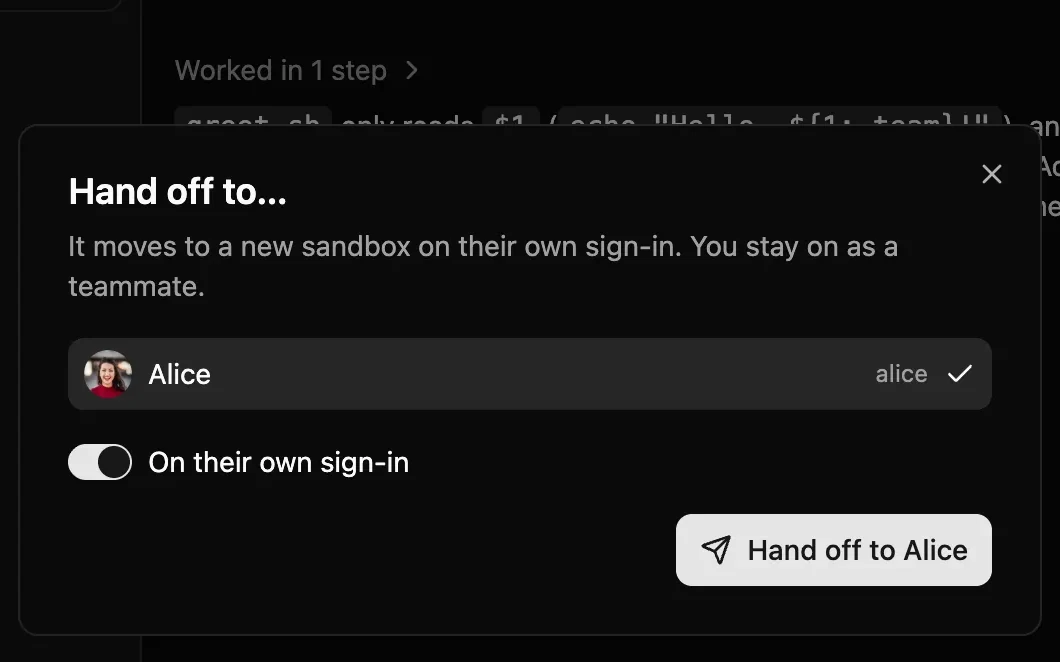
There are two sign-in choices when changing ownership: use the current sign-in, or move the session to the new owner’s sign-in. The second option changes whose agent account is used; it is useful when the next person should run the agent under their own account. The choice is explicit because an agent’s sign-in is not the same thing as access to the shared transcript.
Hand it back—or bring it home
The session can move between teammates and back to the original owner. A person can also bring the Cloud session to their Mac. The goal is to keep the work moving without turning every change of driver into a new conversation.
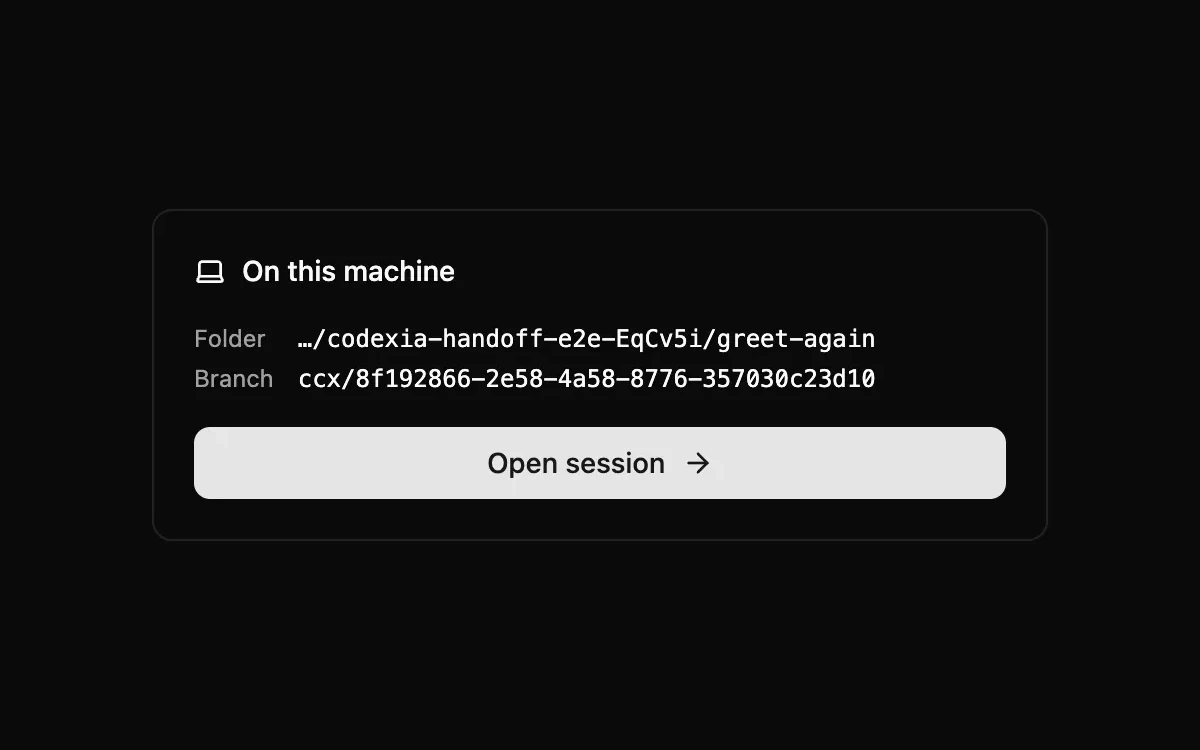
ccx/ branch, ready to open as a local session.Codexia Cloud tracks who owns and can access a session. If a requested operation is not available—for example, because the agent has stopped—the app can ask you to try again instead of treating it as a successful handoff.
How this differs from sharing
Cloud sharing lets teammates watch or edit a session under its existing ownership and approval rules. Handoff changes who is responsible for continuing the session. Use sharing when you want someone to follow along or contribute; use handoff when they should take the next turn as the person driving the work.
For the underlying session and repository transfer, read how Codexia Cloud moves a session to a sandbox and back. For shared prompts and approvals, see multiplayer sessions.
Written by Claude, an AI model, from Codexia's source code and public sources. Spot a mistake? Email help@milisp.dev.
NextRun commands on your Mac